September 23, 2026 · Bella Virtual Staging
Which 360 Camera Should You Use for Real Estate Virtual Tours in 2026?
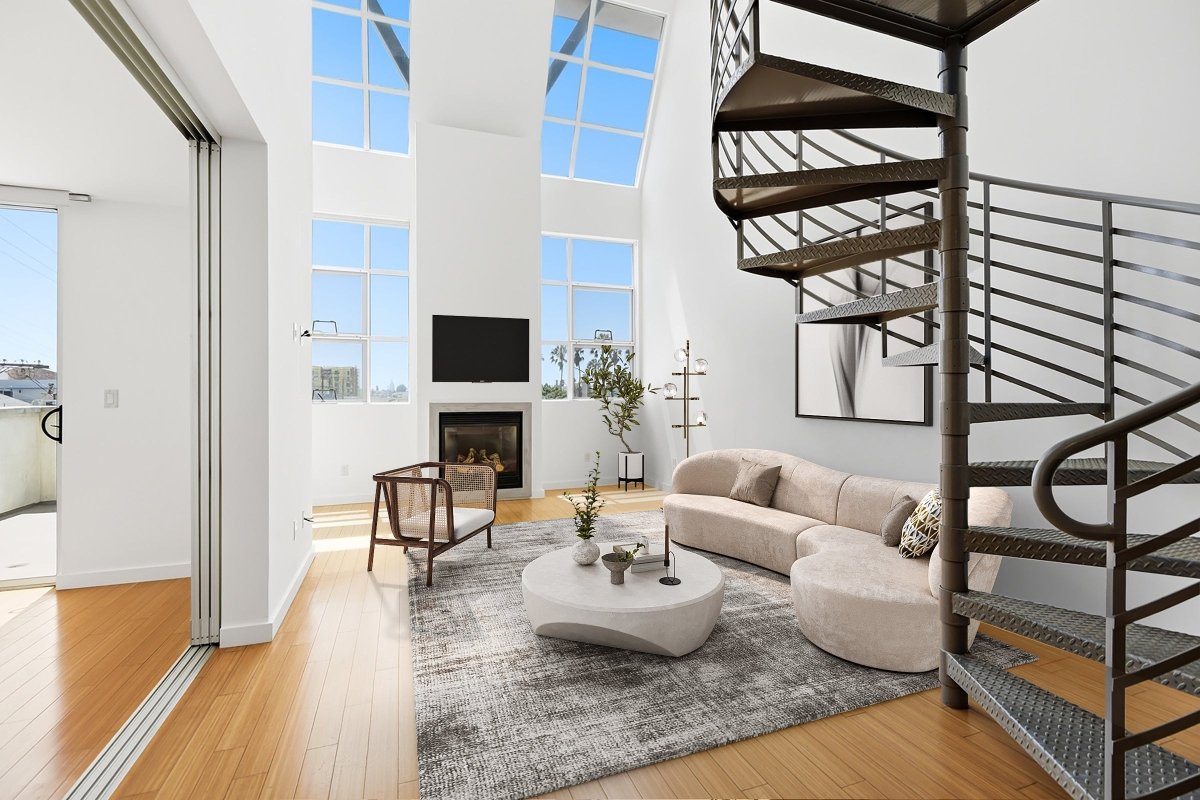
For most real estate agents and real estate photographers, a consumer 360 camera from Ricoh THETA or Insta360 is enough to create high quality virtual tours that let potential buyers walk through a property from anywhere. Choose your 360 video camera for real estate based on still-photo quality and ease of use more than video specs, because still 360 photos are the building blocks of every click-through virtual tour. Good real estate photography still depends on the person behind the camera, and the camera is only half the job: stitching, a virtual tour platform and staging are what turn raw panoramas into a polished, furnished listing.
Bella Virtual Staging builds staged 360° virtual tours from panoramas shot on any 360 camera, with every room staged by a human designer, never AI.
What is a 360 video camera, and how is it used in real estate?
A 360 camera has two opposing fisheye lenses, each covering roughly half of the scene, that together capture a full spherical field of view in a single shot. Software stitches the two halves into one equirectangular image or video, and automatic in-camera or in-app stitching saves time in post-production.
In real estate, the same camera produces two types of content: 360 photos (static panoramas that become the stops of an interactive virtual tour) and 360 video walkthroughs (continuous spherical video where the viewer can pan and look around while the footage plays). Because a 360 camera captures the entire room rather than one curated angle, buyers see the whole space, and a single capture session can feed several marketing assets.
Most listing "virtual tours" you see on the MLS or portals are a set of linked 360 photos, one or more per room, connected with hotspots, not a continuous motion video. That distinction matters when you choose equipment and plan your shoot.
Why use a 360 camera for real estate photography and marketing?
A 360 video camera for real estate creates immersive virtual tours that let potential buyers explore a property on their own time. The main benefits for agents and their clients:
Remote viewing: buyers can virtually walk through the home from anywhere, allowing potential buyers who live out of town to explore the property without traveling.
Transparency: tours show entire rooms, not only the most flattering angle, which helps buyers trust what they see.
Better-informed showings: a tour acts as a filter, because buyers who book a visit after touring already understand the layout.
More assets from one visit: one capture session can generate a tour, still images and social clips you reuse on your website, the MLS and social media as part of your marketing strategy.
Standing out: an interactive experience helps a listing get noticed in a competitive market, especially when you showcase the key rooms.
Do you need 360 video or 360 photos for a listing tour?
For most listings, 360 photos are what matter. Unlike static images from a regular camera, each 360 photo shows the whole room. A still panorama is sharper than a single frame pulled from video, it loads quickly on phones, and it is exactly what tour platforms link together into the interactive experience buyers expect.
360 video is a nice extra, a guided walkthrough you can post on YouTube or social media as part of your real estate marketing, but it is not the core of a listing tour.
When 360 photos make the most sense:
Interior property photography where the clarity of flooring, fixtures and finishes matters
Mixed-lighting rooms (bright windows plus dim corners) where HDR or exposure bracketing keeps detail in both
When budget, storage or post-production time is limited
When 360 video adds value:
Narrated walkthrough videos for social media or an agent's channel
Large estates or commercial spaces where motion gives a better sense of scale and flow
Virtual open houses or live-streamed showings for remote buyers
Which 360 cameras offer the best image quality for real estate in 2026?
Image quality is the first thing to compare. Four options cover the range from user-friendly all-rounder to top-resolution flagship. All specs below come from Ricoh's and Insta360's own product pages. Prices change often, so check the maker's store before you buy.
Camera |
Max 360 photo |
Max 360 video |
Sensor |
Worth knowing |
|---|---|---|---|---|
Ricoh THETA X |
approx. 60MP (11008 × 5504) |
5.7K at 30fps |
1/2-inch (×2) |
2.25-inch touchscreen for settings without a phone; about 46GB internal plus microSD; removable battery; Ricoh positions it for real estate because of fast HDR processing |
Ricoh THETA Z1 |
approx. 23MP JPEG (6720 × 3360), plus RAW (DNG) |
4K at 30fps |
1-inch (×2) |
Ricoh's pick for low light; about 51GB internal; built-in battery |
Insta360 X5 |
approx. 72MP (11904 × 5952) |
8K at 30fps |
1/1.28-inch (×2) |
Replaceable lenses; microSD storage |
Insta360 X6 (released August 12, 2026) |
120MP (15520 × 7760) |
8K at 50fps |
1/1.1-inch (×2) |
64GB built-in (about 47GB usable) plus microSD; launched from US$699.99, per Insta360 |
Ricoh THETA X: the easy all-rounder for agents
The THETA X pairs roughly 60MP still photos with 5.7K video, which makes it a practical choice for agents who shoot their own tours. Its 2.25-inch touchscreen gives you intuitive controls to change settings and check shots without pulling out your phone. A removable battery and microSD slot on top of about 46GB of internal storage help on busy shooting days. Ricoh describes it as suited to real estate because of its fast HDR rendering. Ricoh's U.S. store listed it at $599.95 at the time of writing.
Ricoh THETA Z1: for dim rooms and photographers who edit RAW
The THETA Z1 uses two 1-inch sensors and can save RAW (DNG) files, and Ricoh describes it as the model that works best in low light. That suits professional photographers who want wide dynamic range and advanced editing features, such as editing every RAW panorama on a computer. The trade-offs are a lower still resolution (about 23MP), 4K video and a built-in battery that can't be swapped mid-shoot.
Insta360 X5 and X6: the highest resolution
The X5 records about 72MP stills and 8K video at 30fps, while the newer X6 raises that to 120MP stills and 8K at 50fps with larger 1/1.1-inch sensors. Both are action-camera-first designs, so indoors you should use a tripod, a timer or the app remote, and HDR for rooms with bright windows. For luxury listings where buyers zoom into details, the extra resolution helps deliver excellent image quality, as long as the lighting is good.
How do you choose the right camera to shoot real estate?
Match the camera to how you actually work, not to the biggest number on the spec sheet. These decision factors make a real difference:
Still-photo resolution and HDR: higher resolution lets buyers zoom into flooring and fixtures, and HDR or bracketing matters in window-heavy rooms where highlights blow out.
Sensor size for dim interiors: larger sensors generally handle low light better, which is why Ricoh recommends the 1-inch Z1 for dark spaces.
On-camera screen vs. phone app: a built-in touchscreen, like the THETA X's, lets you work without pairing your phone over Wi-Fi on every shot, which saves time on site.
Storage and battery: removable batteries and microSD expansion help when you shoot several properties in a day. Portability is crucial in tight spaces such as bathrooms and closets, so consider size and weight too.
Platform compatibility: if you already use a virtual tour platform, check its supported-camera list and file formats before buying.
How do you shoot a 360 tour of a home?
A good 360 tour starts with staging and lighting, then capturing each room from a few key positions at a consistent height, and reviewing everything before you leave.
Declutter and stage every room. A 360 camera sees everything: cords, stains, laundry. Whether you stage physically or plan for virtual staging afterward, aim for clean floors and minimal personal items.
Turn on all lights and open blinds. Even lighting reduces harsh contrast and helps HDR processing produce balanced exposures.
Use a tripod or monopod at roughly chest height. A level tripod keeps the horizon straight and the perspective consistent from room to room.
Use the app remote or camera timer and step out of view. The camera sees in every direction, so you will appear in the panorama if you stand nearby.
Shoot one or two positions per room, plus one at each doorway. Center shots show the whole room; doorway shots make natural transitions when you link the tour.
Use HDR or exposure bracketing for window-heavy rooms. Bracketing blends several exposures so buyers see detail both outside the window and in the room.
Review on your phone or camera screen before leaving. Check for blur, stitching errors, lens flare and reflections. Reshooting on site is far easier than coming back.
Should you shoot the tour yourself or hire a professional photographer?
Many real estate agents shoot their own tours with a consumer 360 camera, and that works well for standard listings if you follow the steps above. A professional photographer or real estate photography business brings experience with lighting, HDR and editing, plus their own equipment, which matters most for luxury homes and complex properties. Some agents do both: they hire real estate photographers for the main photos and capture the 360 tour themselves. Either way, focus on consistent camera height, clean rooms and good light; those make a significant difference to how professional the finished tour looks.
How do you edit and turn 360 photos into a staged virtual tour?
Start with light editing in the maker's app or desktop software: straighten the horizon, balance exposure and check the stitch lines. Once your panoramas are exported, upload them to a virtual tour platform or send them to a service that handles stitching, room linking and staging. The goal is one tour link that lets buyers walk through a furnished home on any device.
Bella's 360° Virtual Tour + Staging works with panoramas from any 360 camera: Ricoh THETA, Insta360 or your photographer's rig. A human designer virtually stages each room, and the finished tour link works on the MLS, Zillow, your website and social media, so remote buyers walk through a furnished home instead of an empty one.
Pricing: $99 per tour for setup and stitching, plus $37 per staged 360° photo. An 8-room tour with 8 staged photos is $99 + (8 × $37) = $395 before volume discounts. Automatic volume discounts apply: 5% off at 3+ items, 10% at 6+, 15% at 11+ and 20% at 21+. See the pricing page for every service, or the virtual staging cost guide for how staging prices compare.
Do you have to disclose virtually staged 360 tours?
Yes. Label every virtually staged or digitally altered image, including 360 photos. NAR Code of Ethics Article 12 requires REALTORS® to "present a true picture" in their advertising, and that applies to 360 tours just as it does to standard listing photos. In California, AB 723 requires agents who use digitally altered listing images to disclose the alteration and give access to the original, unaltered image.
Local MLS boards add their own rules; some require a "virtually staged" label on the image, others a disclosure in the remarks. Check your MLS's current policy before uploading.
Bella's rule is simple: staging never adds windows, moves walls or changes square footage. Layout changes are only made on request, as a disclosed virtual renovation.
360 video camera real estate FAQs
Can I shoot a real estate virtual tour with my phone?
Phone panorama apps exist, but they build the sphere from many overlapping frames rather than one shot. That takes longer and is more prone to stitching errors, especially if anything moves. A dedicated 360 camera captures the full sphere in a single exposure, which is faster and more consistent from room to room.
Which 360 camera is best for real estate?
There is no single best camera for everyone. The Ricoh THETA X is the easiest all-rounder for agents, the THETA Z1 suits photographers who edit RAW files and shoot dim interiors, and the Insta360 X5 and X6 offer the highest resolution. Pick the one that matches your workflow and your tour software.
Is 8K 360 video necessary for real estate?
Not usually. Still-photo quality matters more for virtual tours than video resolution, and 8K video uses battery and storage quickly. Unless you regularly produce walkthrough videos, prioritize strong still panoramas and HDR.
Can Bella stage 360 photos from any camera?
Yes. Bella accepts 360° panoramas from any 360 camera, whether Ricoh THETA, Insta360 or your photographer's own rig. Every room is staged by a human designer, never by AI, so furniture scale and placement fit the real space. For standard listing photos, see virtual staging.
How much does a staged 360 virtual tour cost?
Bella charges $99 per tour for setup and stitching, plus $37 per staged 360° photo. An 8-room tour is $395 before discounts, and volume discounts apply automatically: 5% at 3+ items, 10% at 6+, 15% at 11+ and 20% at 21+.